AI Style Transfer
Apply artistic styles from paintings, photos, or custom references to completely transform your images while preserving composition.
 VidOne
Transform images with AI Image to Image. Apply 50+ creative filters and style transformations to your photos. AI Image to Image is now available on VidOne. Start creating with it now!
Free to Try · No Credit Card Required
Restyle any photo in minutes — pick an image model, describe the look you want, and download a polished new visual in just 3 steps.
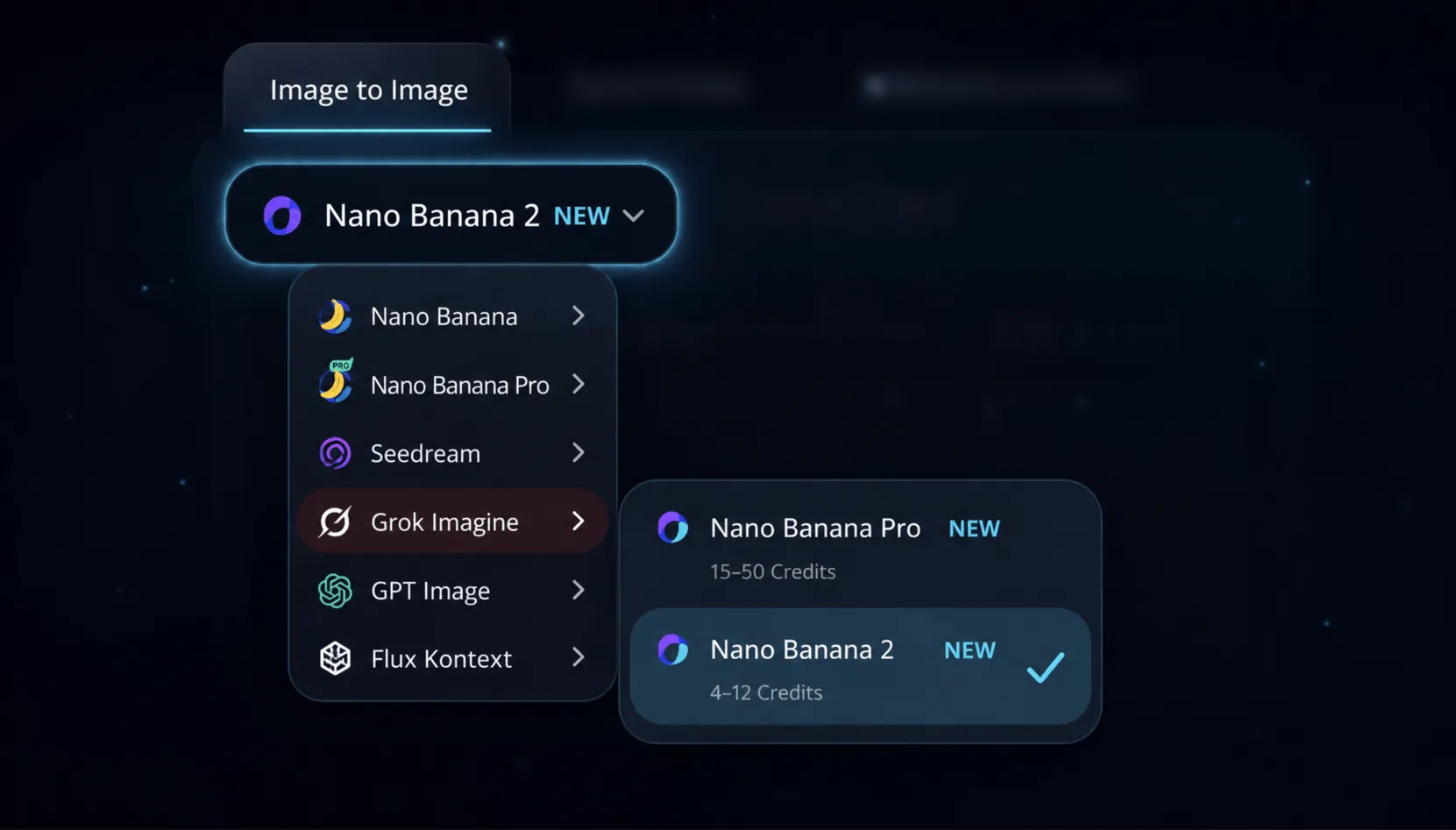
Switch to the Image to Image tab and pick from Nano Banana 2, Nano Banana Pro, Seedream 4.5, Grok Imagine, GPT Image 2, and more. Each model has its own strengths — photorealistic edits, anime conversions, painterly looks — pick the one that matches your creative goal.
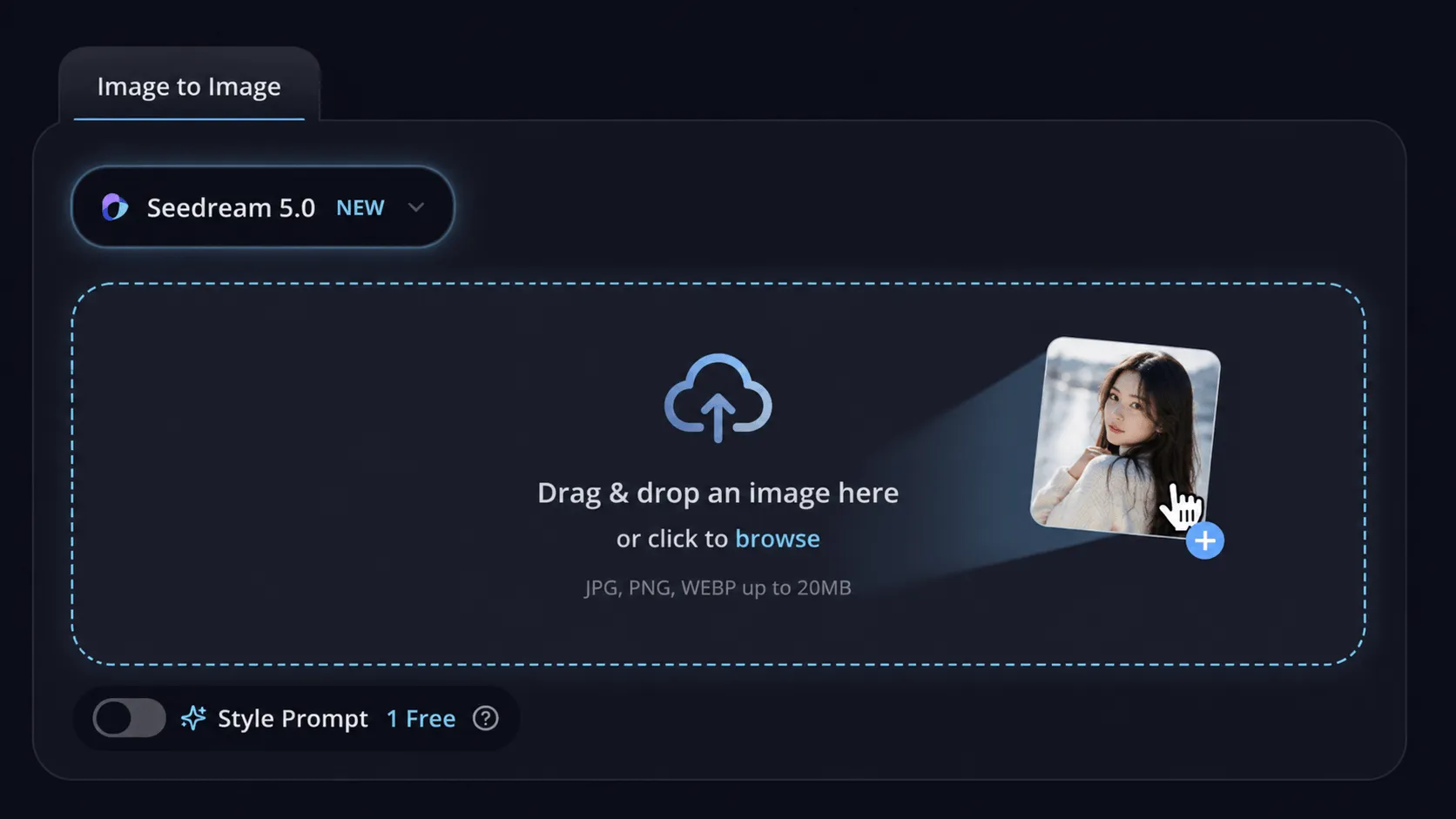
Drag and drop your photo into the upload zone, or click to browse. Then describe the target style — anime portrait, Studio Ghibli watercolor, cyberpunk neon, oil painting — and dial in the transformation strength to control how far the image changes.
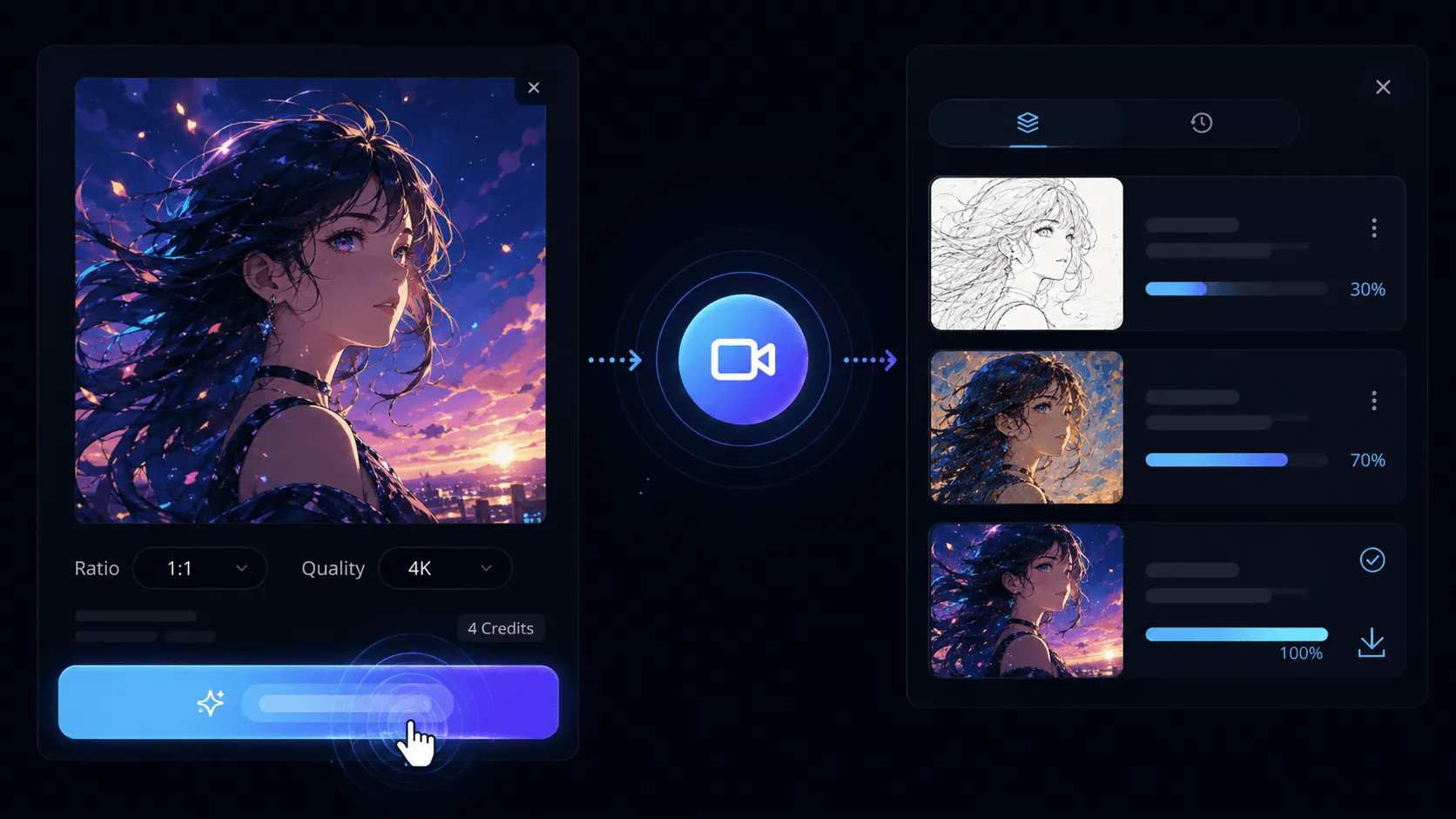
Click Generate and watch your restyled image render in seconds. Preview the result up to 4K, switch models or refine the prompt if you want a different look, then download the final image — ready to share or use commercially.
Apply artistic styles from paintings, photos, or custom references to completely transform your images while preserving composition.
Choose from anime, oil painting, watercolor, cyberpunk, 3D render, sketch, pixel art, and dozens more AI-powered styles.
Our AI maintains important details, facial features, and composition while creatively reimagining the entire aesthetic.
Generate transformed images in under 10 seconds with our optimized AI pipeline. Iterate quickly on different styles.
Adjust strength, preserve specific elements, blend styles, and fine-tune every aspect of the output to match your vision.
Output images up to 4K resolution with crisp details. No quality loss during transformation — only enhancement.
Transform one source image into polished variations faster with model choice, prompt guidance, and production-ready outputs.
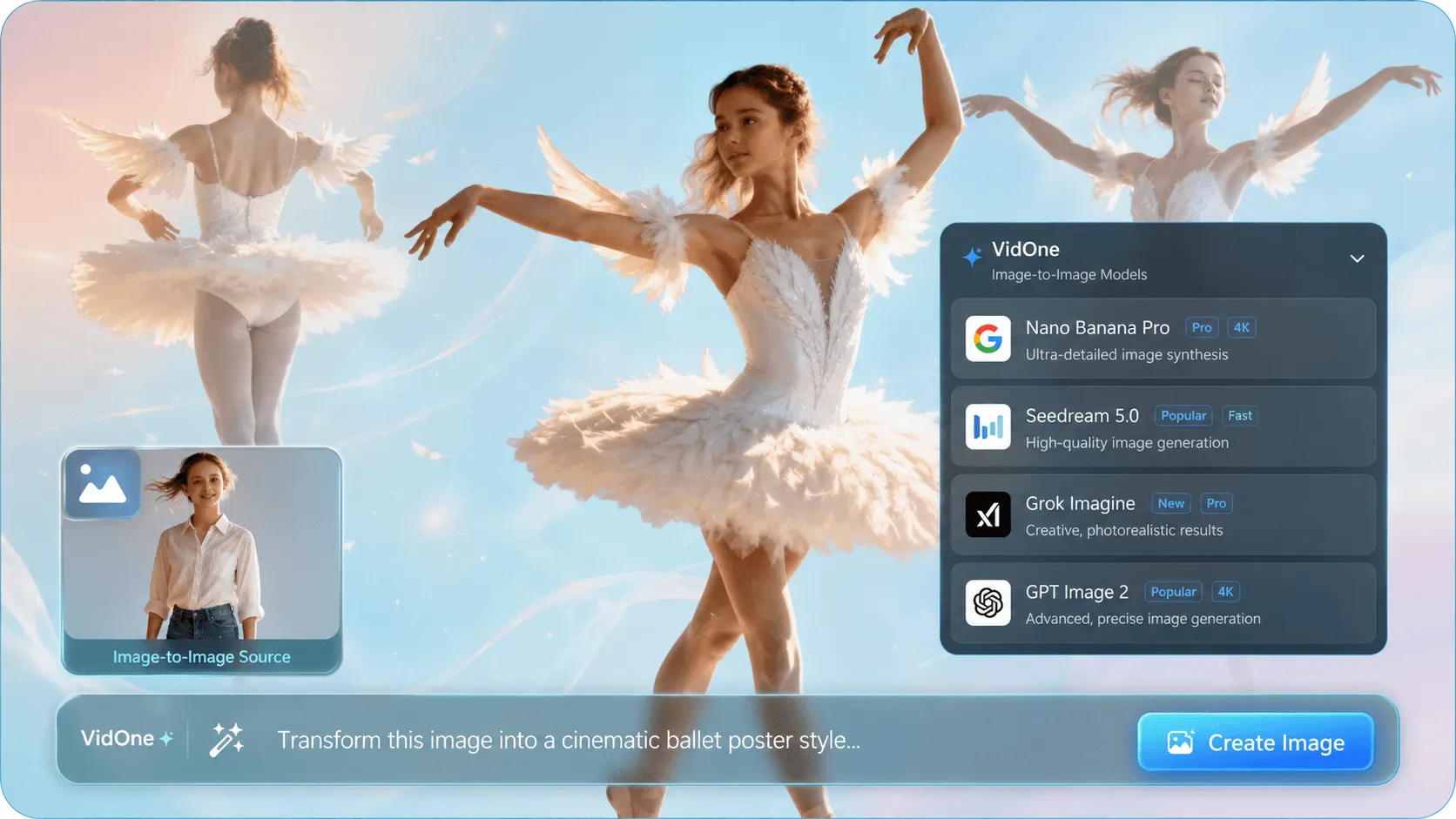
Stop hopping between separate tools. Access top image-to-image models including Nano Banana 2, Nano Banana Pro, Seedream 4.5, Grok Imagine, and GPT Image 2, then switch styles and compare outputs in one workflow.
Explore Every Image Model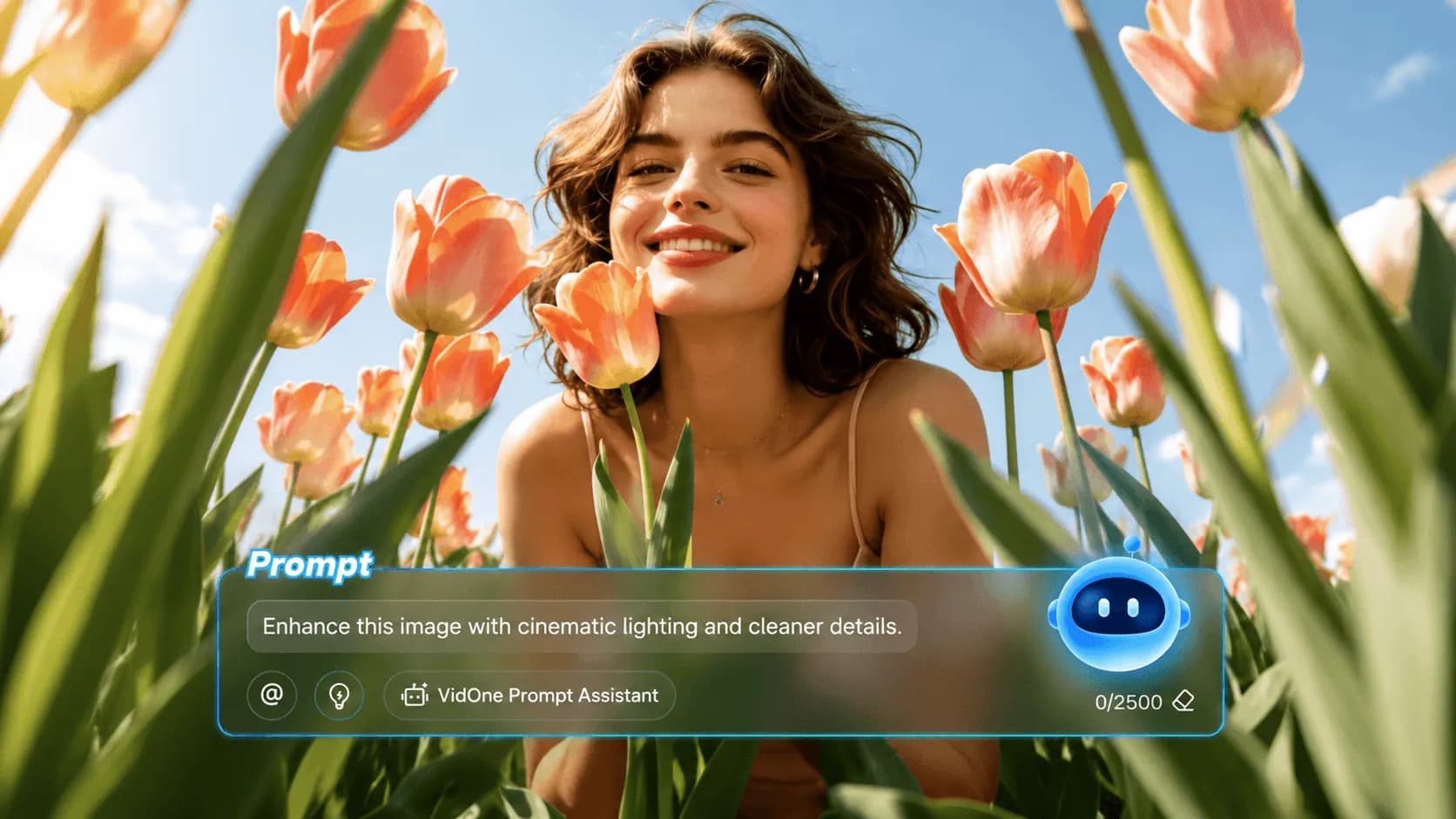
Start with a rough idea, then refine the prompt, strength, and style direction around your uploaded image. Keep the composition you like while pushing the final result toward anime, cinematic, product, editorial, or surreal looks.
Transform Images Free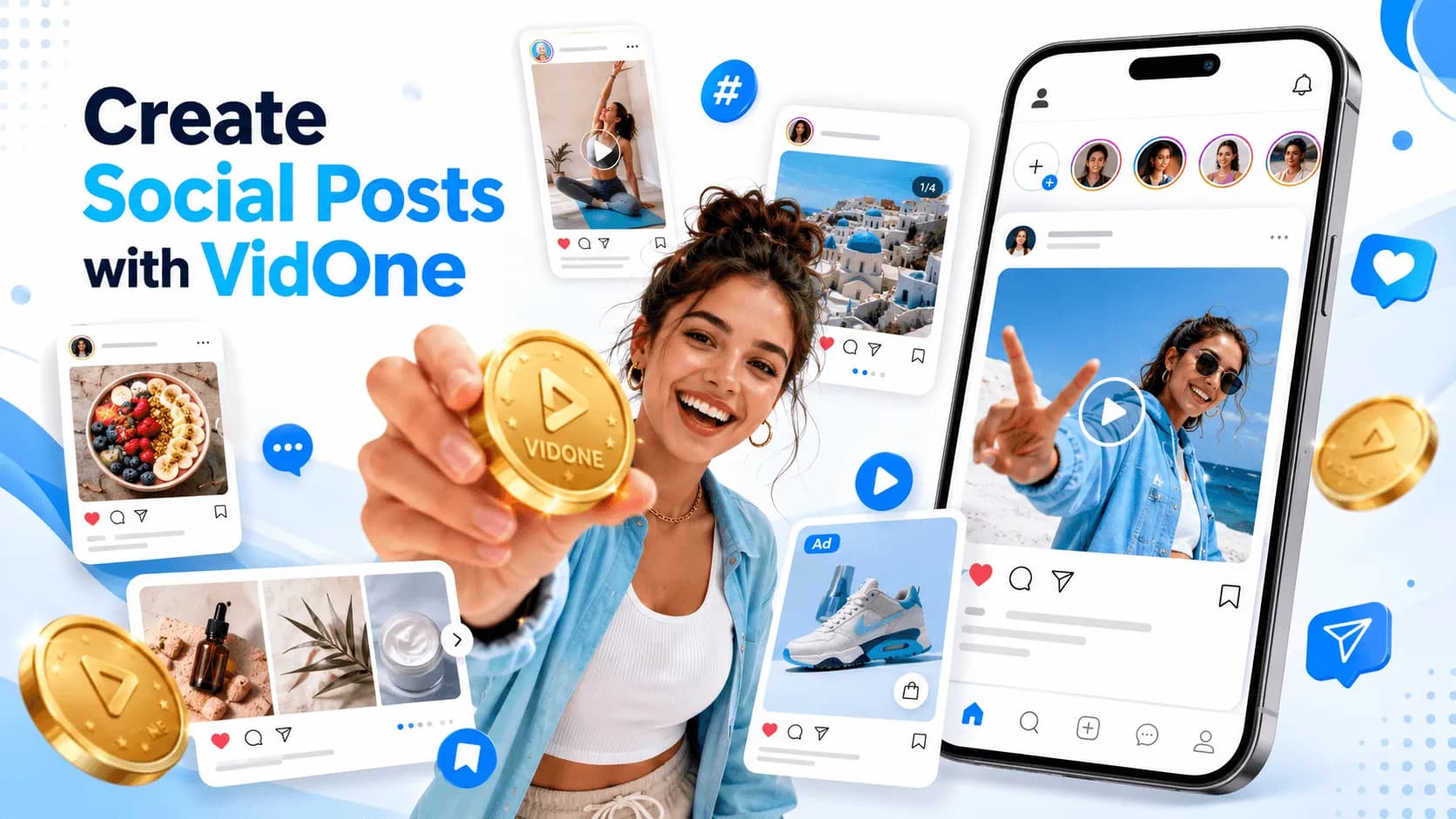
Turn portraits, product shots, campaign concepts, and social visuals into polished image assets for ads, posts, thumbnails, prints, and client work. Iterate quickly and download results with commercial usage rights.
Create Image Assets Now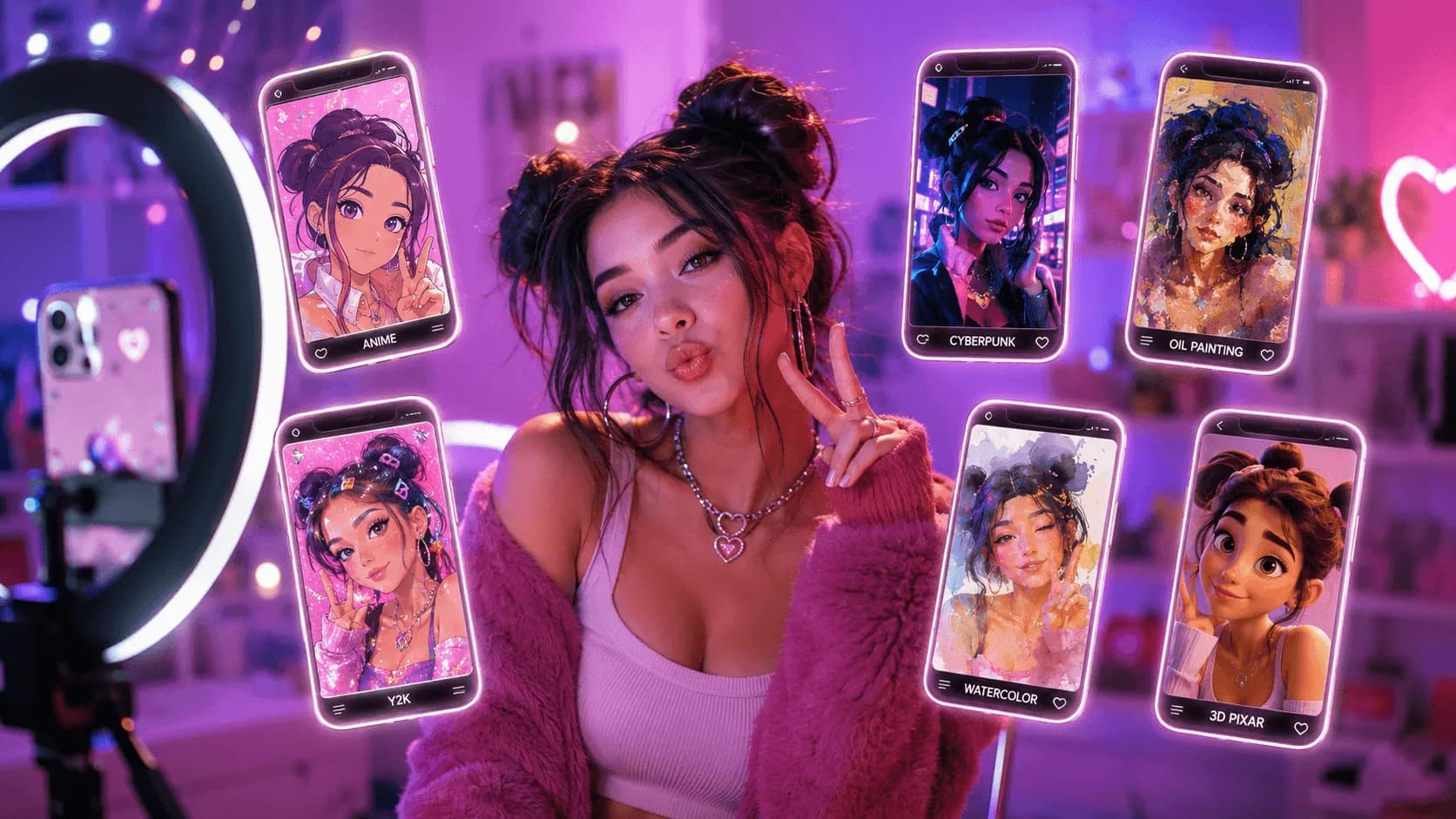
Hours wrestling with Photoshop layers, color grading, and creative blocks.
Spin up scroll-stopping image variations in minutes with AI image-to-image.
Enhance your workflow — face swap, subtitles, effects, sound, reference-to-video, and product showcases.
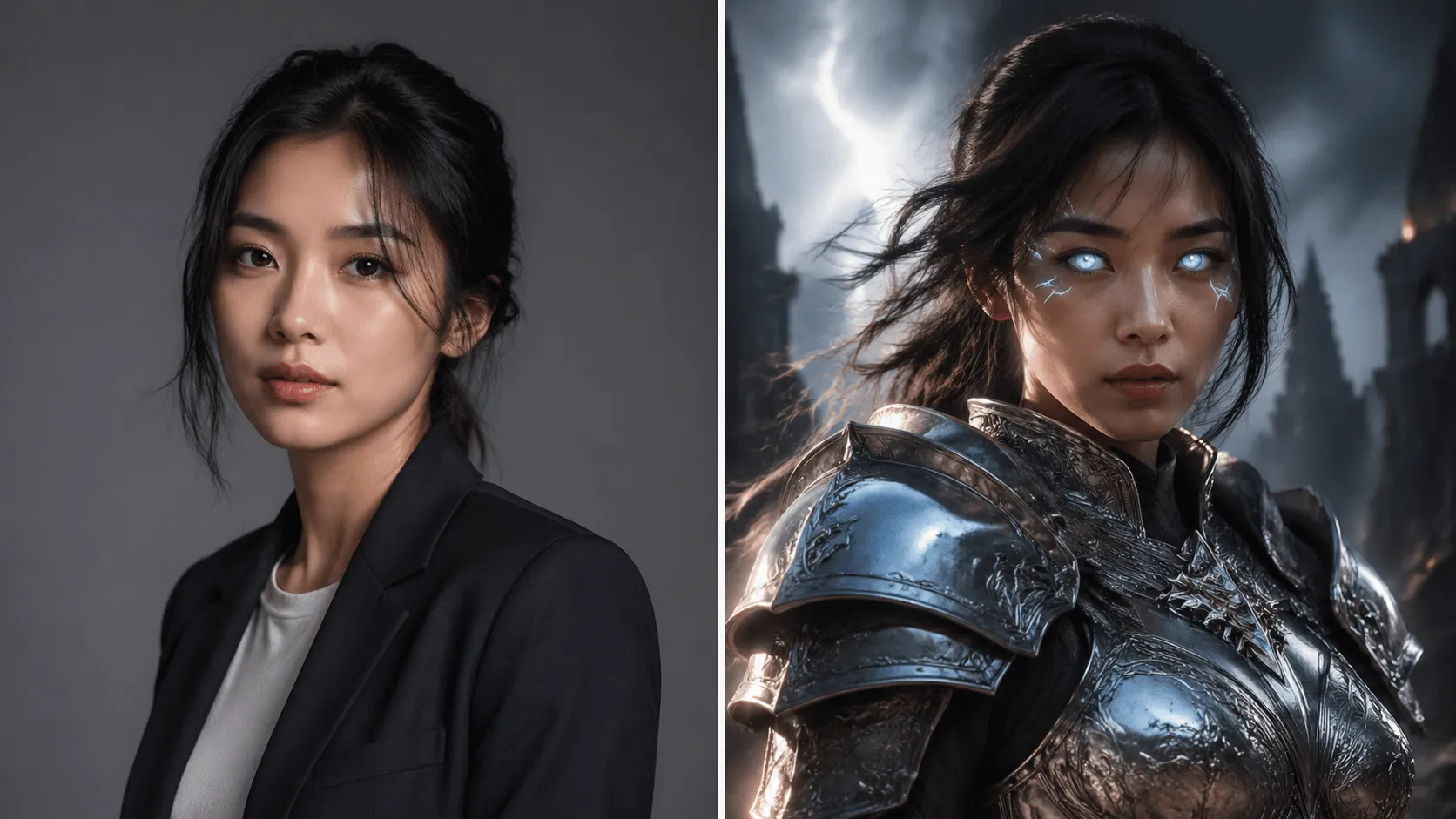 BeforeAfter
Swap faces in videos with AI precision in 60 seconds.
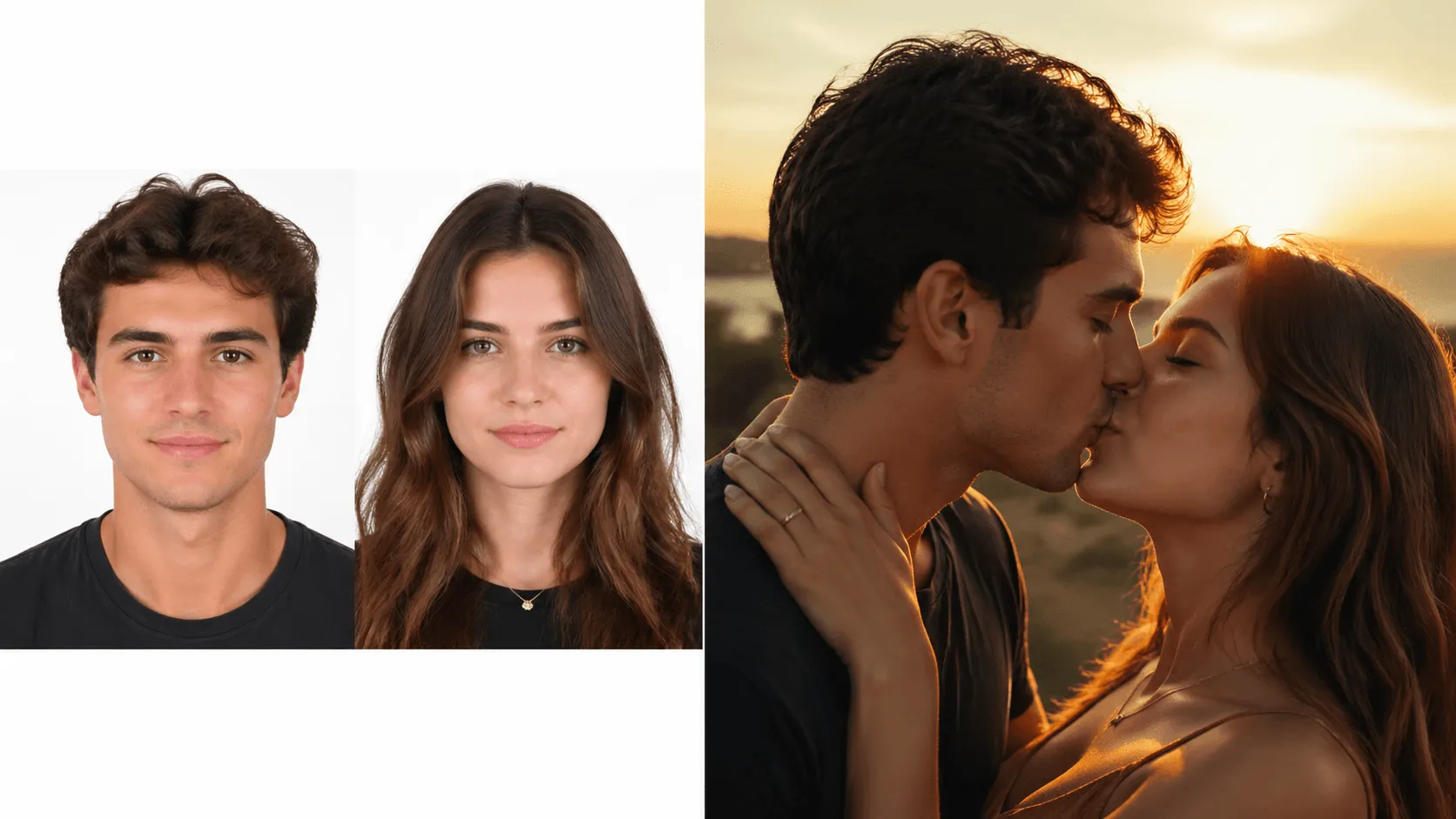 BeforeAfter
Animate two people kissing with AI.
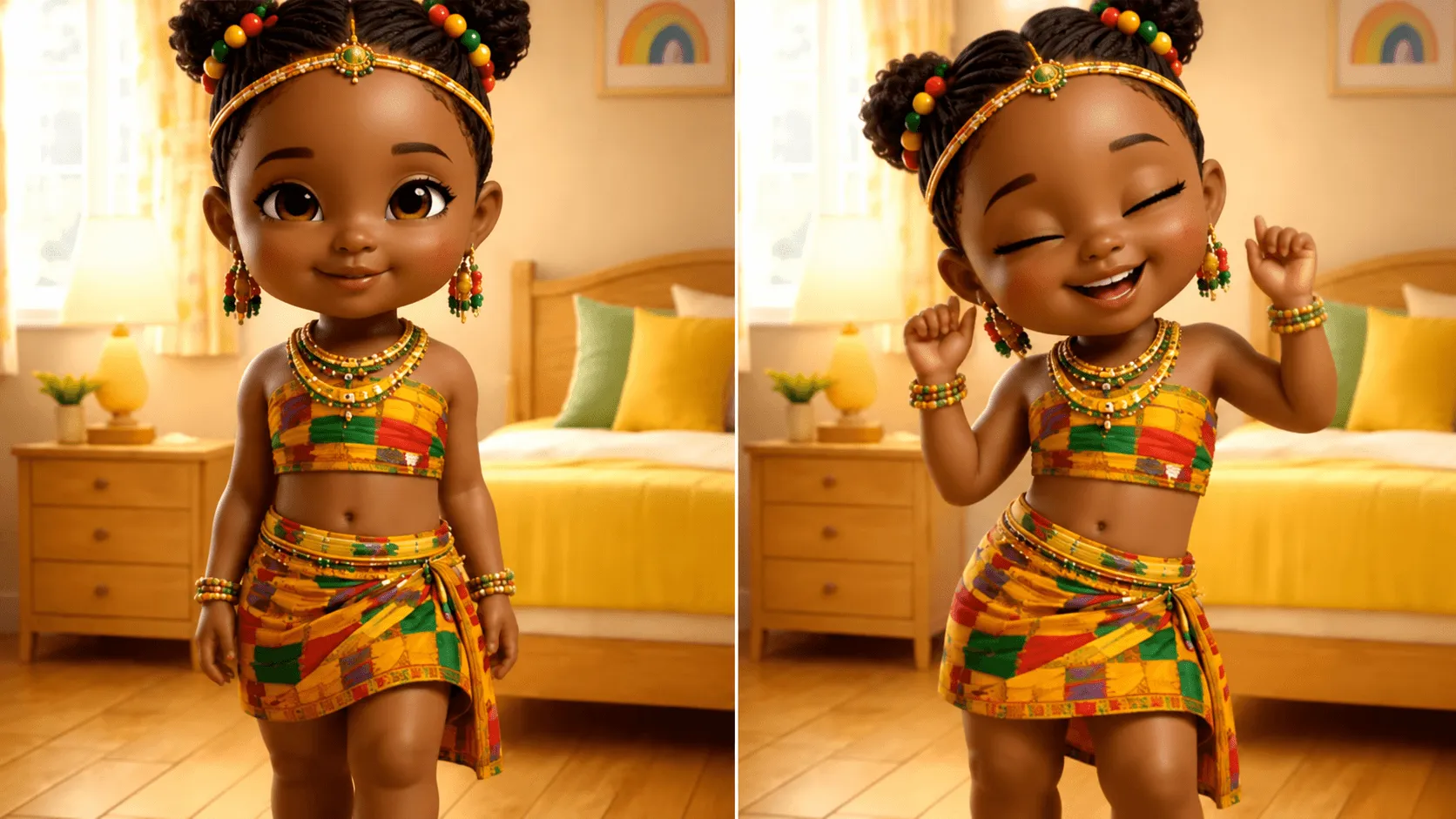 BeforeAfter
Make anyone dance to any music.
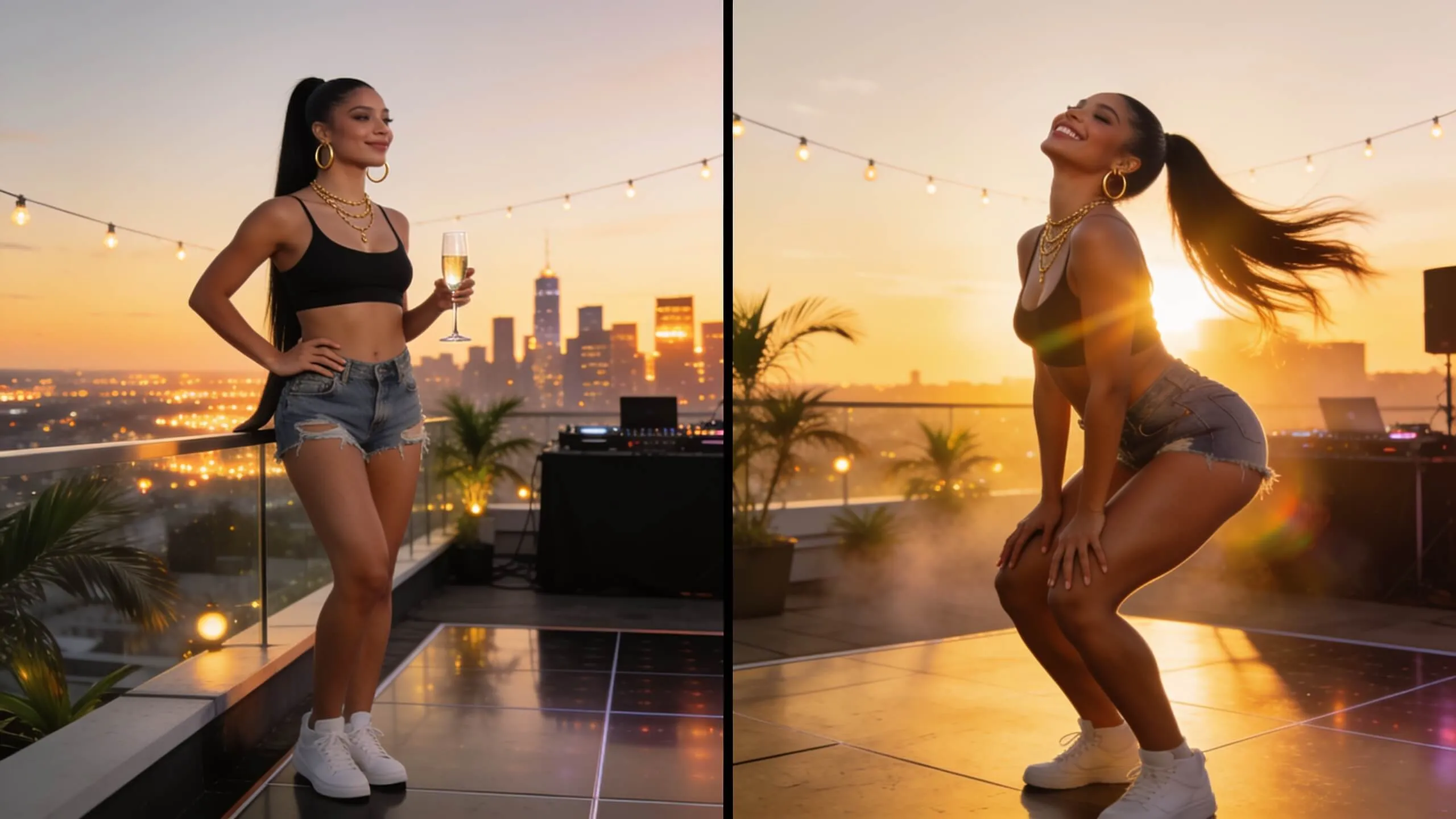 BeforeAfter
Generate fun twerking dance videos.
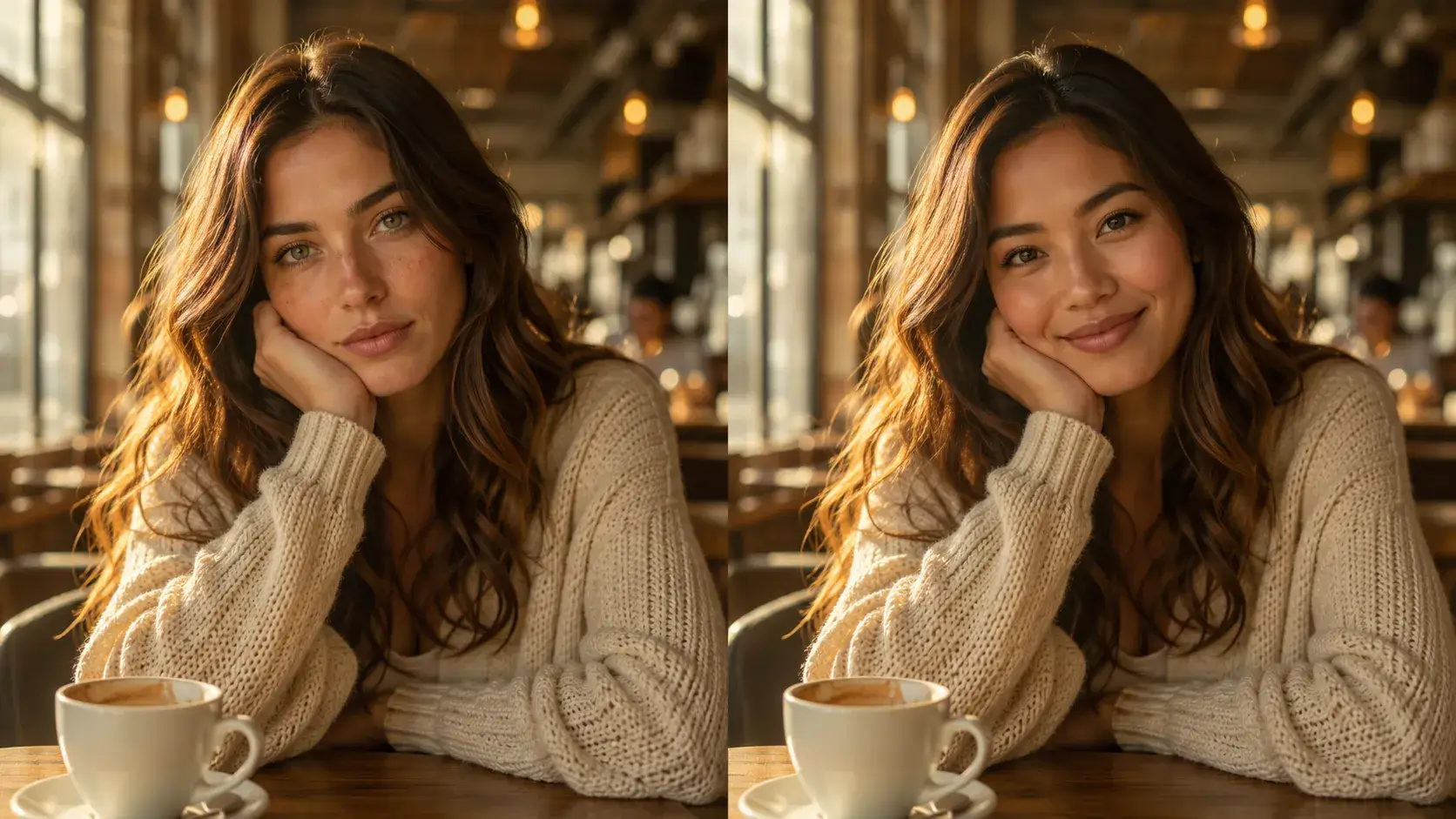 BeforeAfter
Swap faces in any photo instantly with AI-powered precision.
 BeforeAfter
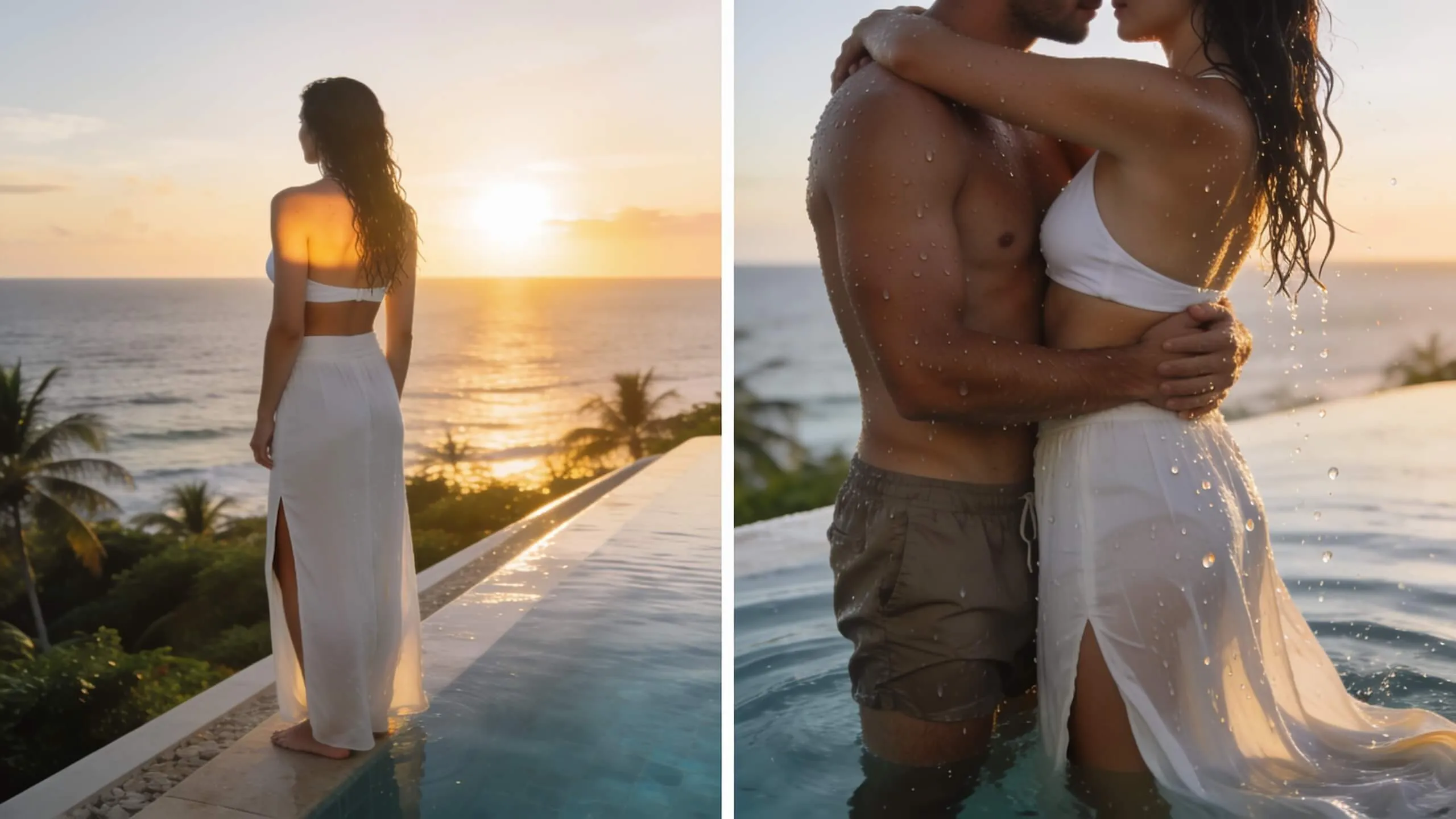
Turn a single photo into a warm hug video — bring loved ones close in one AI pass.
We support JPG, PNG, WEBP, and BMP formats. Maximum file size is 20MB. Higher resolution input images produce better results with more detail in the output.
Still have questions? Contact our support team

Upload a photo and transform it into stunning artwork in seconds. 50+ AI styles, instant results, no design skills needed.