
All-in-One AI Image & Video Generator
Generate images, create videos, and edit visual content with advanced AI models — from idea to publish-ready content.
AI Video Generator with Sora 2
Turn a text prompt or still image into a polished video in seconds. Start with free credits, preview the result, and download when ready — no editing skills required.
Sora 2 Showcase: See What You Can Create
Transform text into stunning, realistic videos with synchronized audio. Browse our gallery and try the prompts to start your creative journey.

Cinematic Landscape Generation
Stunning AI-generated cinematic landscape with breathtaking natural scenery and dynamic lighting

Abstract Art Creative Effects
Creative abstract art video with stunning visual effects and artistic expression

Character Animation Professional
Professional character animation with fluid motion and expressive details

Urban Scene Dynamic Motion
Dynamic urban scene with realistic motion and HDR visual quality

Image to Video Realistic Motion
Transform static images into dynamic videos with realistic motion effects

Photo Animation Seamless Transition
Seamless photo animation with smooth transitions and natural movement

Portrait Video Natural Movement
Portrait video with natural human movement and expressive facial features

Landscape Animation Cinematic
Cinematic landscape animation with stunning visual effects and atmosphere
Cinematic Landscape Generation
Stunning AI-generated cinematic landscape with breathtaking natural scenery and dynamic lighting
Abstract Art Creative Effects
Creative abstract art video with stunning visual effects and artistic expression
Character Animation Professional
Professional character animation with fluid motion and expressive details
Urban Scene Dynamic Motion
Dynamic urban scene with realistic motion and HDR visual quality
Image to Video Realistic Motion
Transform static images into dynamic videos with realistic motion effects
Photo Animation Seamless Transition
Seamless photo animation with smooth transitions and natural movement
Portrait Video Natural Movement
Portrait video with natural human movement and expressive facial features
Landscape Animation Cinematic
Cinematic landscape animation with stunning visual effects and atmosphere
Sora 2 Video Creation Workflows on VidOne
Use one Sora 2 AI video generator for text-to-video, image-to-video, Pro controls, upscaling, and cleaner downloadable results.
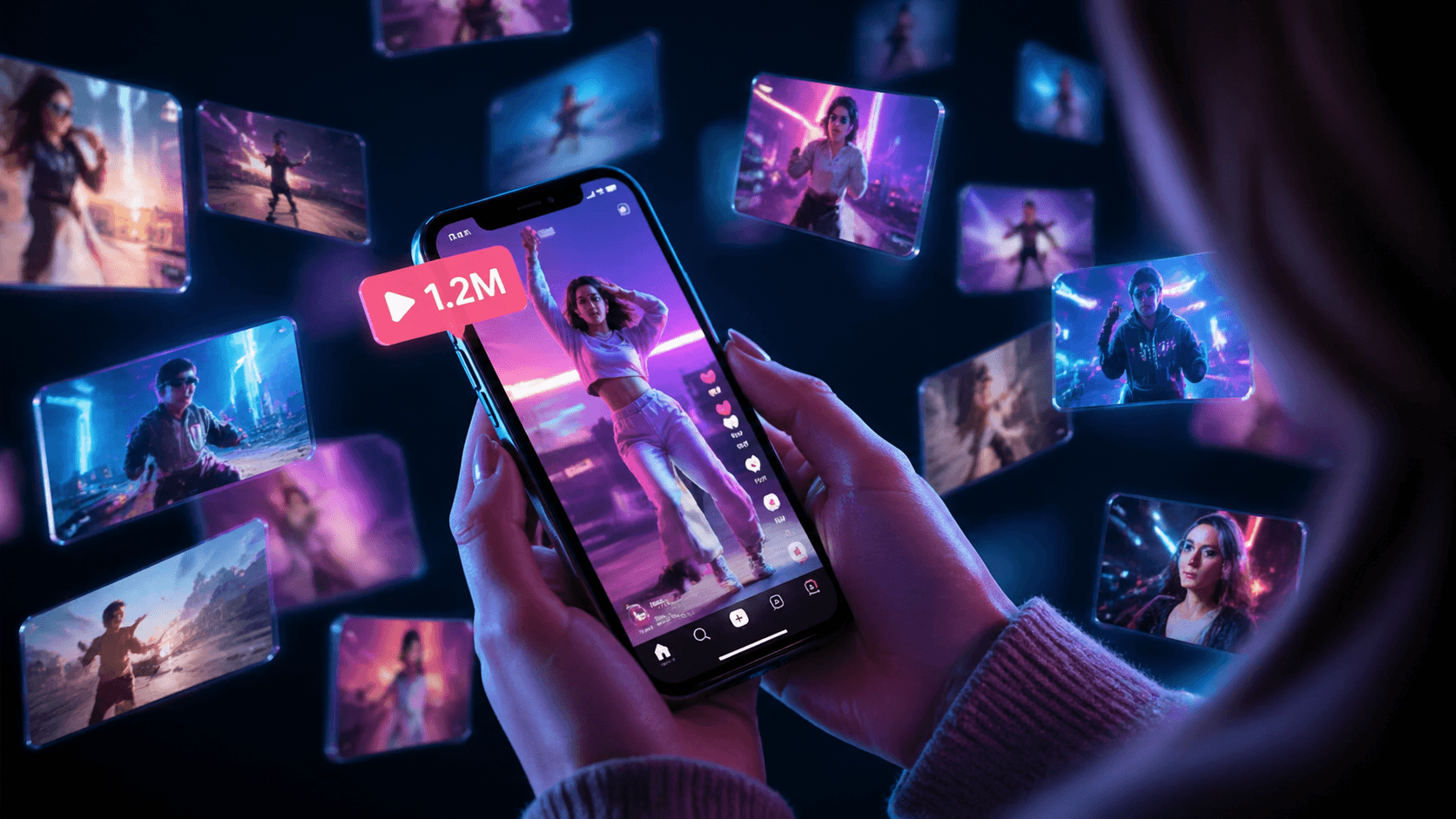
Text to Video with Sora 2
Start from a text prompt and describe the subject, setting, motion, camera angle, and mood. Sora 2 turns the brief into a cinematic video you can preview and refine.

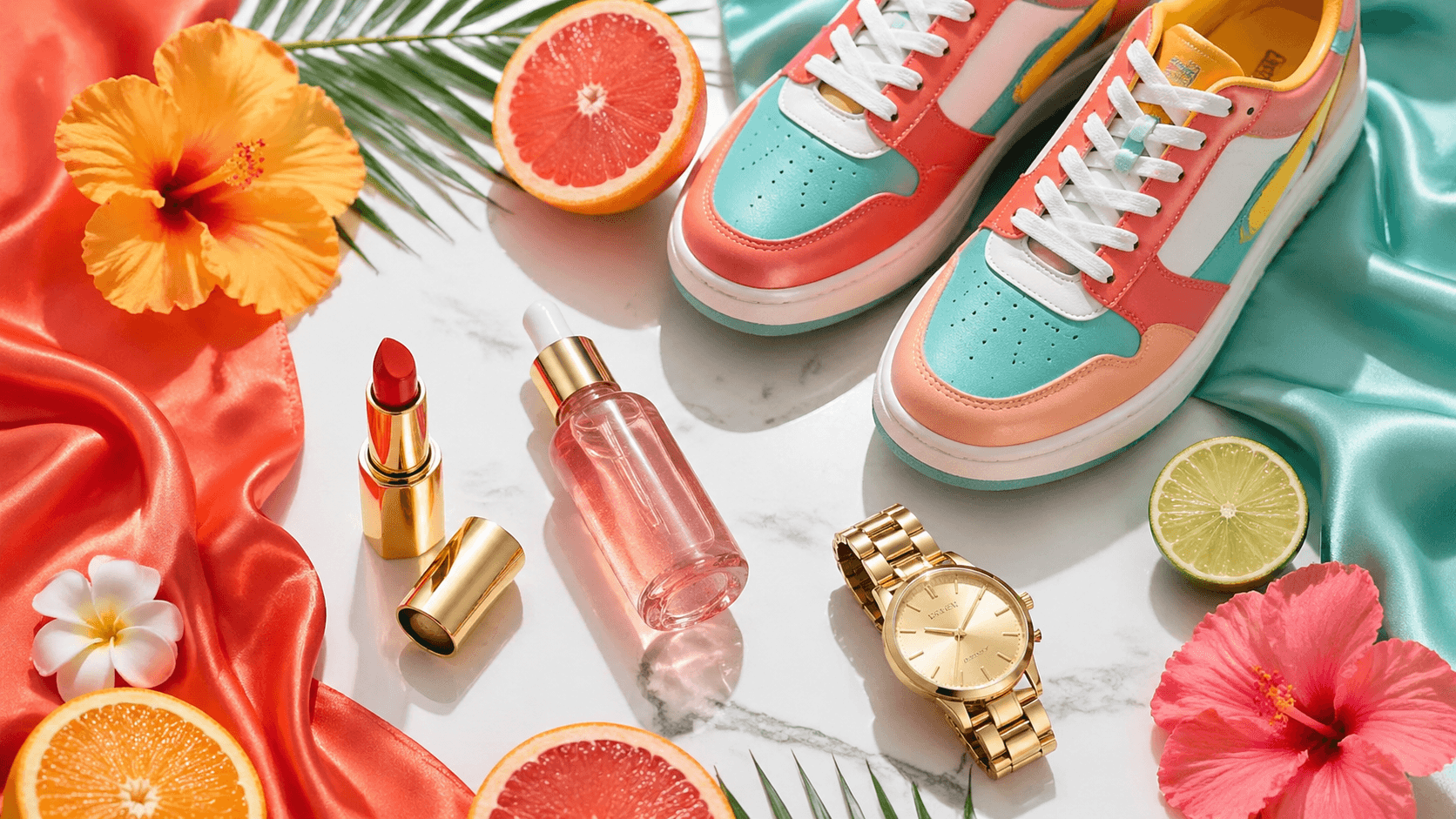
Image to Video from a Single Photo
Upload a reference image, then guide the movement with a short prompt. Use Sora 2 image-to-video for product shots, portraits, visual concepts, and social clips.
Sora 2 Pro for More Control
When a project needs more production flexibility, switch to Sora 2 Pro options before generation. Review the credit estimate first, then create the version that fits your brief.
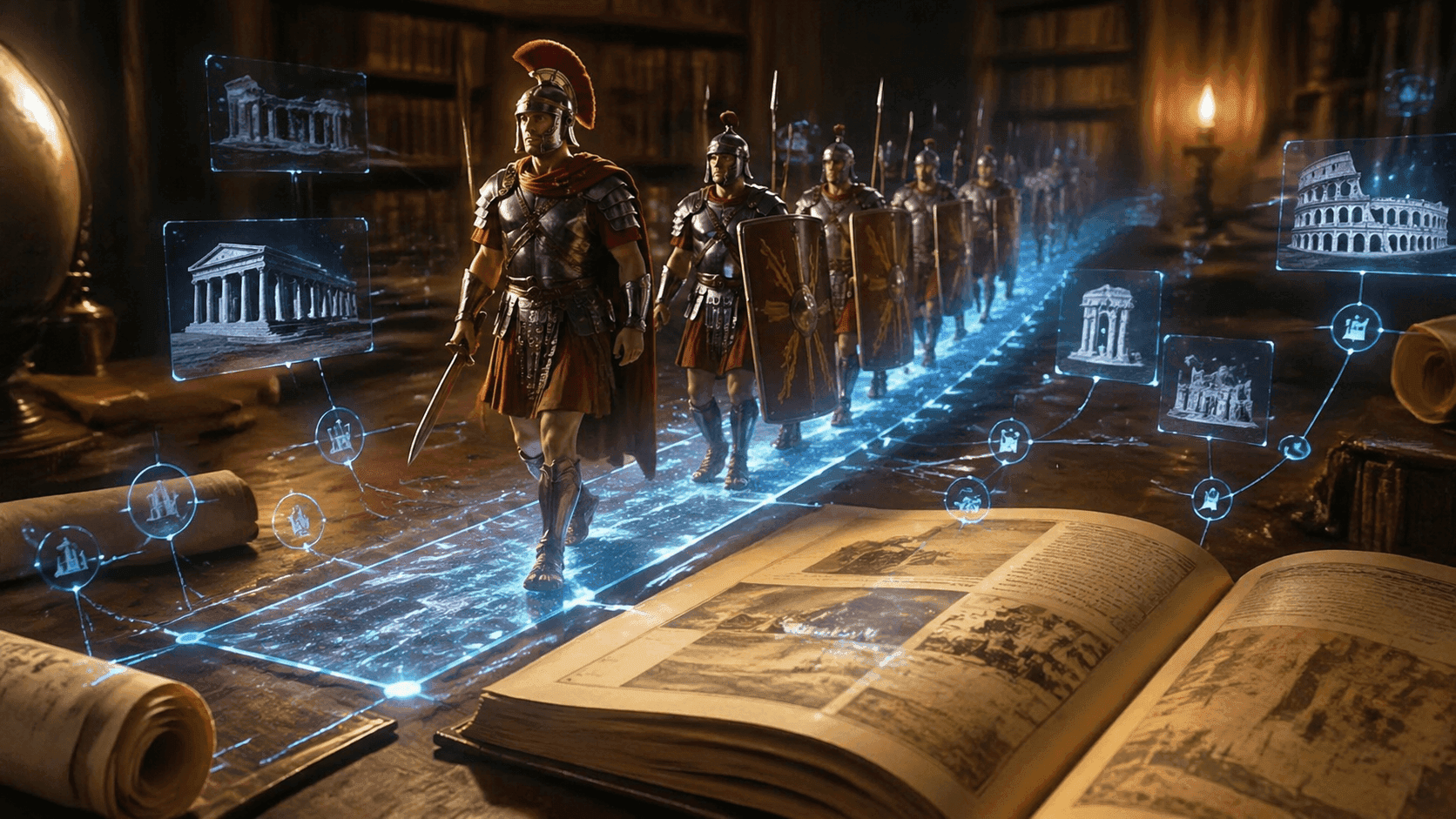
Video Upscaler for Sharper Final Clips
After generation, improve lower-resolution clips with AI video upscaling. It helps prepare cleaner assets for websites, presentations, ads, and social publishing.
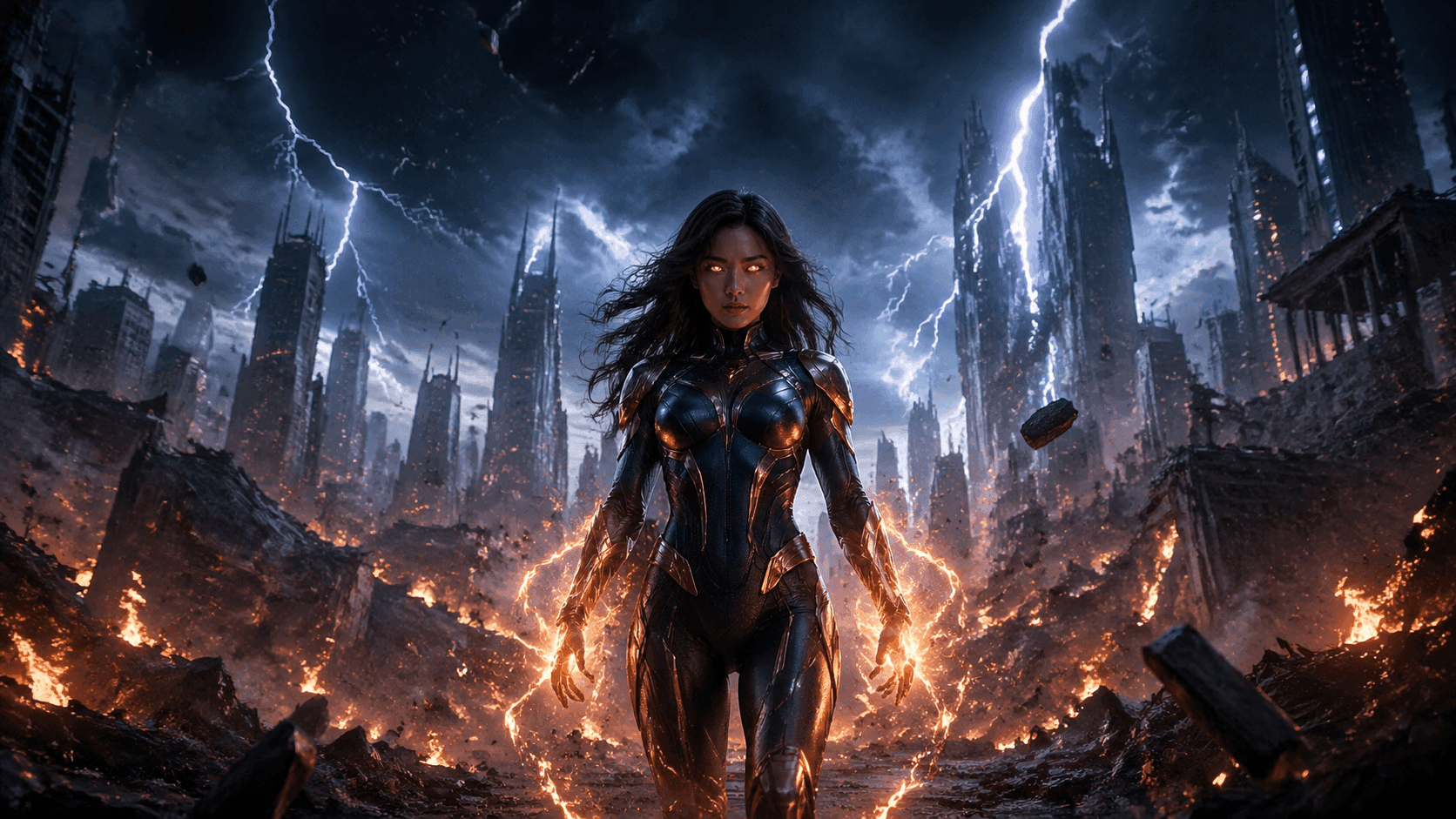
Watermark Remover for Cleaner Assets
Clean up video assets when an unwanted watermark or logo appears in source footage. Keep the workflow focused on usable, downloadable videos instead of manual editing.
How to Use Sora 2 AI in 3 Simple Steps
Our Sora 2 AI video generator is easy to use, allowing you to create high-quality videos in just 3 steps.
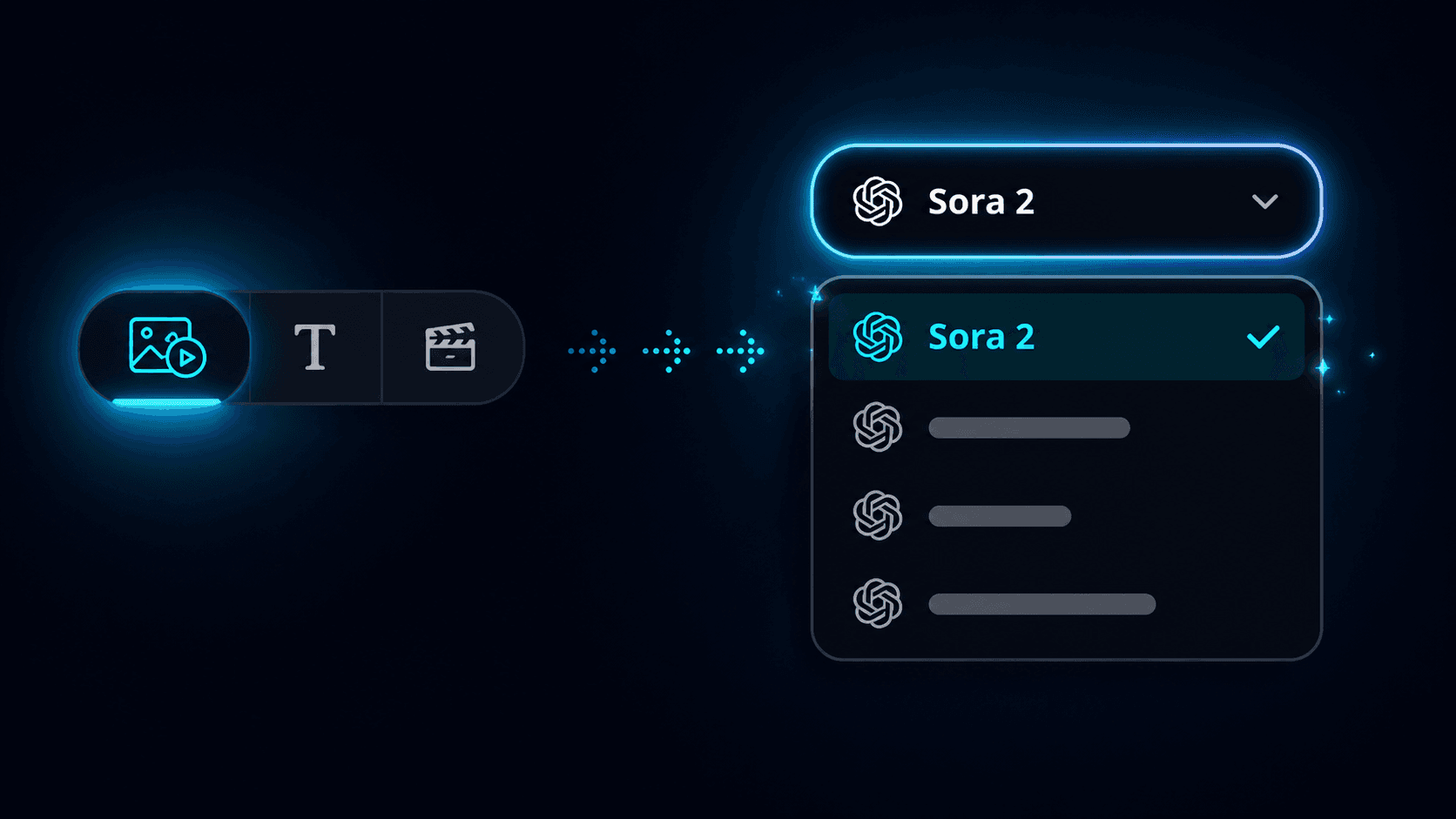
Step 1. Pick Sora 2 in the VidOne Generator
Open the VidOne generator on the homepage and switch the model selector to Sora 2. The same workflow handles both text-to-video and image-to-video — no separate page to load.
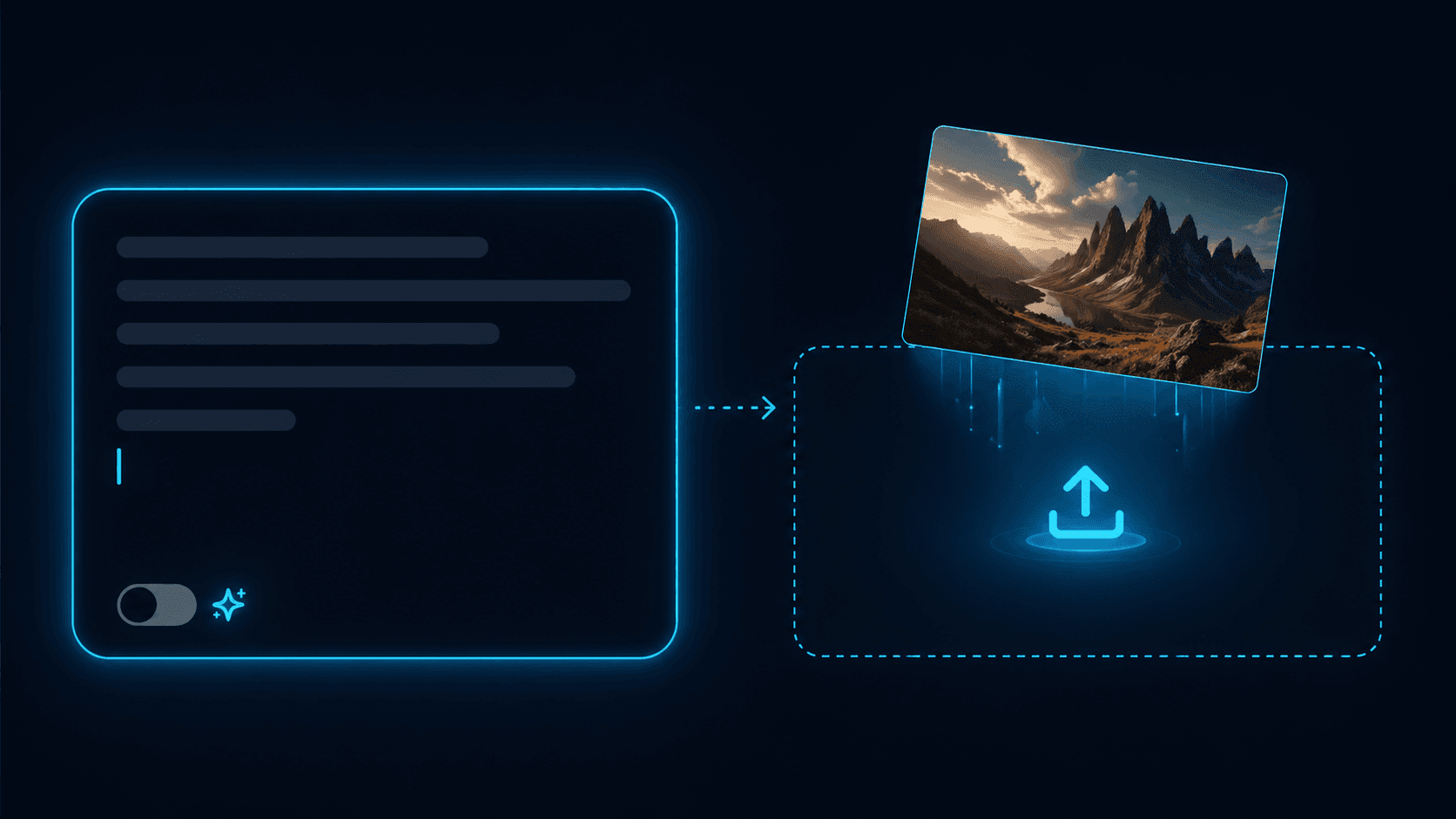
Step 2. Write a Prompt or Drop In a Photo
Describe the scene you want — characters, actions, setting, camera moves — or upload a reference image. The more specific your brief, the closer Sora 2 lands to what you imagined.
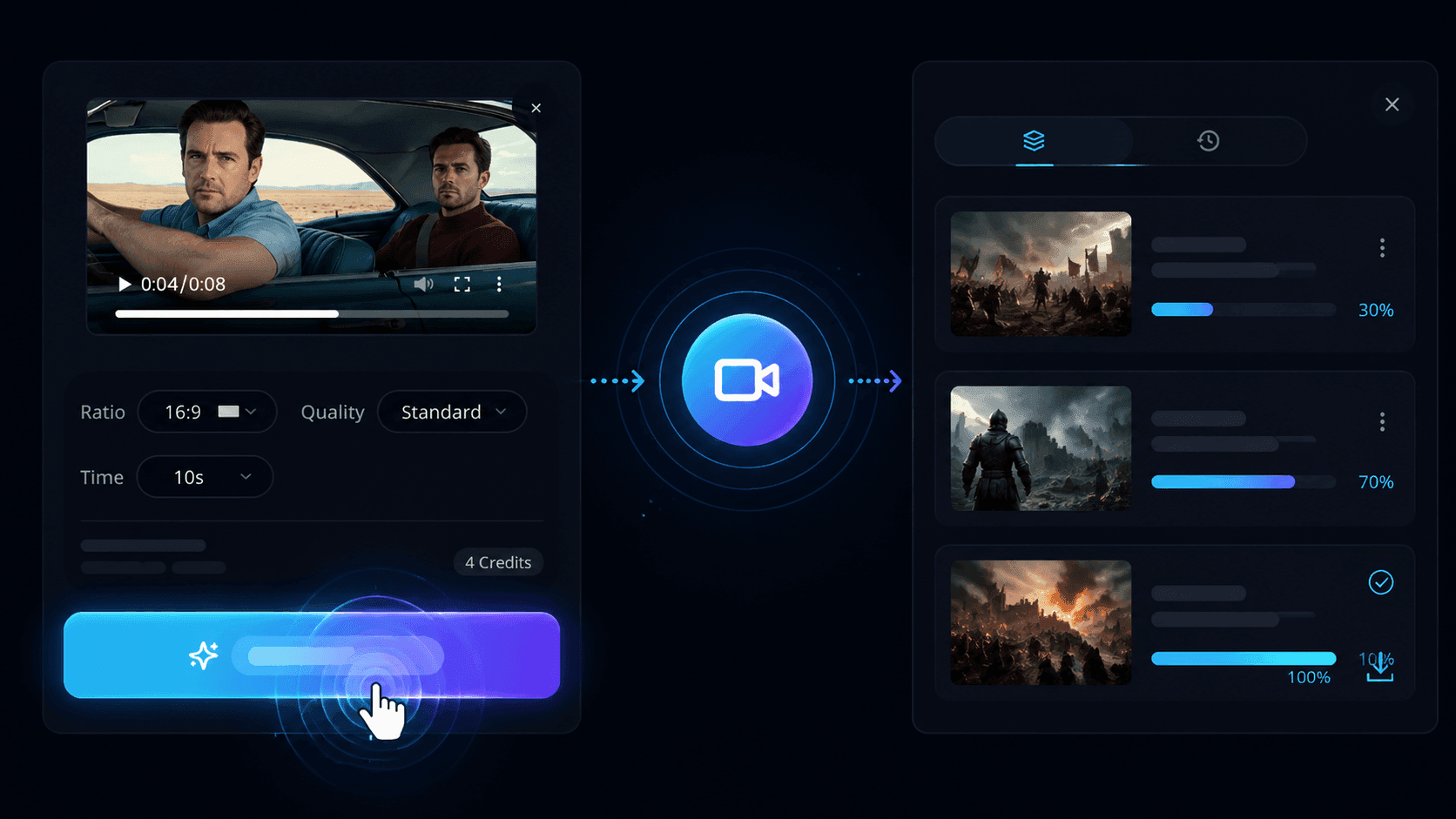
Step 3. Generate, Preview & Download
Hit Generate and Sora 2 returns a finished clip with native audio in minutes. Preview it inline, download in your platform's preferred format, or send it back through for another pass.
Choose Your Perfect VidOne Plan
From free starter credits to professional plans. Find the perfect fit for your creative needs.
Starter
Perfect for getting started
600 credits/month
Generate up to 120 videos
Includes
- Up to 1080p resolution
- VidOne watermark
- 14-day storage
- All AI models included
- Email support
Pro
Perfect for content creators
1,800 credits/month
Generate up to 360 videos
Everything in Starter, plus
- Up to 4K resolution
- No watermark
- Unlimited storage
- Priority queue
- API access
- Priority support
Max
Enterprise solution
3,000 credits/month
Generate up to 600 videos
Everything in Pro, plus
- Up to 8K resolution
- No watermark
- Unlimited storage
- Commercial license
- Dedicated support
- Custom integrations
- White-label options
Loved by Creators Worldwide
Real reviews from creators who transformed their workflow with AI video generation
Tried a bunch of AI video tools — this is by far the smoothest. The cloud processing makes it feel instant.

Vanessa T.
Social Media Manager
My designs came to life! Seeing my sketches animated gave me chills. It's like having a mini studio on standby.

Kaitlyn Y.
Fashion Illustrator
I didn't expect much, but wow — the quality is crisp, and it even understood vague prompts. Super intuitive.

Nina K.
Indie Game Developer
We used it for a product launch teaser. It took 15 minutes from idea to final video — clients thought we hired a motion designer.

Jason M.
Marketing Lead at Brightly
Our team uses it to test visual concepts fast. It's become part of our creative prototyping toolkit.

Daniel C.
Founder at PixelNest
Tried a bunch of AI video tools — this is by far the smoothest. The cloud processing makes it feel instant.
Vanessa T.
Social Media Manager
My designs came to life! Seeing my sketches animated gave me chills. It's like having a mini studio on standby.
Kaitlyn Y.
Fashion Illustrator
I didn't expect much, but wow — the quality is crisp, and it even understood vague prompts. Super intuitive.
Nina K.
Indie Game Developer
We used it for a product launch teaser. It took 15 minutes from idea to final video — clients thought we hired a motion designer.
Jason M.
Marketing Lead at Brightly
Our team uses it to test visual concepts fast. It's become part of our creative prototyping toolkit.
Daniel C.
Founder at PixelNest
Tried a bunch of AI video tools — this is by far the smoothest. The cloud processing makes it feel instant.
Vanessa T.
Social Media Manager
My designs came to life! Seeing my sketches animated gave me chills. It's like having a mini studio on standby.
Kaitlyn Y.
Fashion Illustrator
I didn't expect much, but wow — the quality is crisp, and it even understood vague prompts. Super intuitive.
Nina K.
Indie Game Developer
We used it for a product launch teaser. It took 15 minutes from idea to final video — clients thought we hired a motion designer.
Jason M.
Marketing Lead at Brightly
Our team uses it to test visual concepts fast. It's become part of our creative prototyping toolkit.
Daniel C.
Founder at PixelNest
Tried a bunch of AI video tools — this is by far the smoothest. The cloud processing makes it feel instant.
Vanessa T.
Social Media Manager
My designs came to life! Seeing my sketches animated gave me chills. It's like having a mini studio on standby.
Kaitlyn Y.
Fashion Illustrator
I didn't expect much, but wow — the quality is crisp, and it even understood vague prompts. Super intuitive.
Nina K.
Indie Game Developer
We used it for a product launch teaser. It took 15 minutes from idea to final video — clients thought we hired a motion designer.
Jason M.
Marketing Lead at Brightly
Our team uses it to test visual concepts fast. It's become part of our creative prototyping toolkit.
Daniel C.
Founder at PixelNest
As a student with zero budget, I love that it gives you credits to start. And it actually looks good!

Aliyah S.
Student / Animator
This completely changed my workflow. I turned static art into motion content in under a minute — no editing skills needed. Love it!

Emily R.
Freelance Designer
This is the definition of plug-and-play creativity. If you're a solo creator, this is gold.

Andre P.
YouTuber (Tech & Tools)
I make daily shorts on social. This saves me hours. Upload a sketch, type a mood, and done. Couldn't be easier.
Leo H.
Content Creator
Great UX, fast generation, and useful outputs for pitch decks and ads. I barely needed a tutorial.

Tom R.
Startup Founder
As a student with zero budget, I love that it gives you credits to start. And it actually looks good!
Aliyah S.
Student / Animator
This completely changed my workflow. I turned static art into motion content in under a minute — no editing skills needed. Love it!
Emily R.
Freelance Designer
This is the definition of plug-and-play creativity. If you're a solo creator, this is gold.
Andre P.
YouTuber (Tech & Tools)
I make daily shorts on social. This saves me hours. Upload a sketch, type a mood, and done. Couldn't be easier.
Leo H.
Content Creator
Great UX, fast generation, and useful outputs for pitch decks and ads. I barely needed a tutorial.
Tom R.
Startup Founder
As a student with zero budget, I love that it gives you credits to start. And it actually looks good!
Aliyah S.
Student / Animator
This completely changed my workflow. I turned static art into motion content in under a minute — no editing skills needed. Love it!
Emily R.
Freelance Designer
This is the definition of plug-and-play creativity. If you're a solo creator, this is gold.
Andre P.
YouTuber (Tech & Tools)
I make daily shorts on social. This saves me hours. Upload a sketch, type a mood, and done. Couldn't be easier.
Leo H.
Content Creator
Great UX, fast generation, and useful outputs for pitch decks and ads. I barely needed a tutorial.
Tom R.
Startup Founder
As a student with zero budget, I love that it gives you credits to start. And it actually looks good!
Aliyah S.
Student / Animator
This completely changed my workflow. I turned static art into motion content in under a minute — no editing skills needed. Love it!
Emily R.
Freelance Designer
This is the definition of plug-and-play creativity. If you're a solo creator, this is gold.
Andre P.
YouTuber (Tech & Tools)
I make daily shorts on social. This saves me hours. Upload a sketch, type a mood, and done. Couldn't be easier.
Leo H.
Content Creator
Great UX, fast generation, and useful outputs for pitch decks and ads. I barely needed a tutorial.
Tom R.
Startup Founder
Frequently Asked Questions
Discover the Best AI Video Generators
Video and image generation in one platform — Veo, Sora, Kling, Seedance, Wan, Grok and more.

Latest Google release — sharper prompts, smoother motion.
Google

Portrait and character animation at studio quality.
Kuaishou

Alibaba's long-context model — multi-shot scenes.
Alibaba
OpenAI's flagship model — cinematic, photorealistic video generation.
OpenAI

BytePlus next-generation video model — higher fidelity, richer motion, longer clips.
BytePlus
Google's next-gen text-to-image — photorealistic and fast.
Google
BytePlus advanced image model — stunning 4K quality with natural detail.
BytePlus

OpenAI's most capable image model — precise instructions, stunning results.
OpenAIDiscover the Best AI Video Tools
Enhance your workflow — face swap, subtitles, effects, sound, reference-to-video, and product showcases.
 BeforeAfter
AI Video Face Swap
Swap faces in videos with AI precision in 60 seconds.
 BeforeAfter
AI Kissing Generator
Animate two people kissing with AI.
 BeforeAfter
AI Dancing Generator
Make anyone dance to any music.
 BeforeAfter
AI Twerking Generator
Generate fun twerking dance videos.
 BeforeAfter
AI Image Face Swap
Swap faces in any photo instantly with AI-powered precision.
 BeforeAfter
AI Hug Generator
Turn a single photo into a warm hug video — bring loved ones close in one AI pass.

Ready to Create Amazing Videos?
Join thousands of creators using AI to make professional videos